The Product
- Acceptance
- Bidding (CRM Module)
- Acceping the engagement
- Planning
- Financial statements in few clicks
- Risk & Control assesment
- Materiality
- Financial indicators
- The Active audit approach
- Automated planning
- Task and Event Management
- Execution & Monitor
- Assigning and tracking the work
- Addjustments tracking
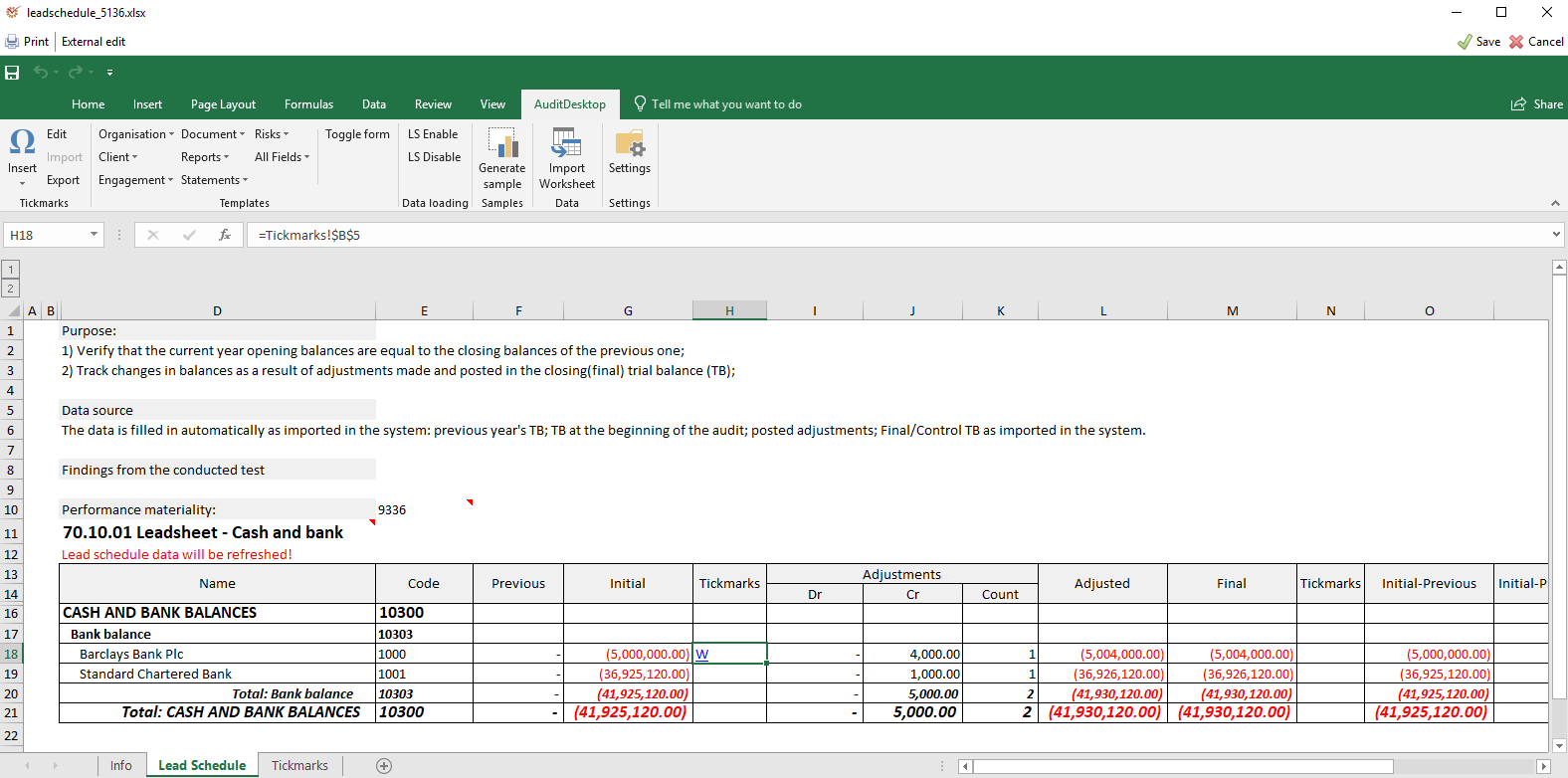
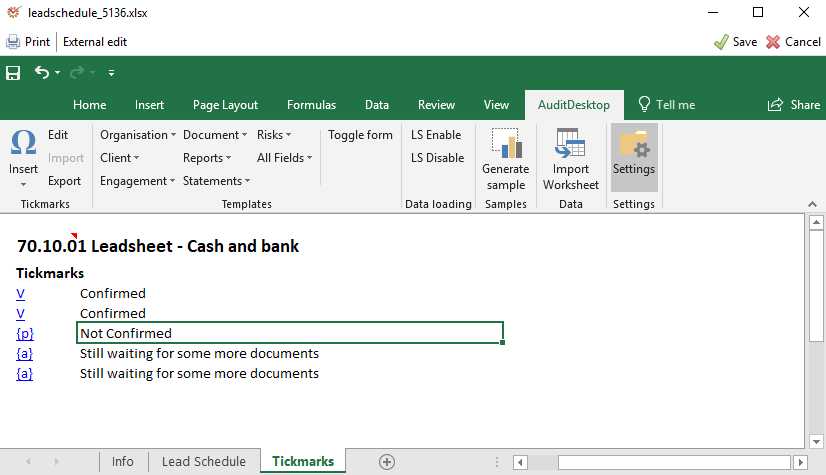
- Lead shedules & Tickmarks
- Issue tracking
- Samples
- Sign off
- The audit approach
- Conducting and Documenting
- Row Forward
- Track your time
- Compare Planned vs. Execution
- Your business at a glance
- Convenient reports
- Reporting
- Automated Reporting
- Deployment
- Cloud
- On premise
- DB as a Service
- SAAS
- Technical & Other
- List of All features
- Off-line
- Method development
- The Database
- Security
- Planning
- Strategic planning
- Annual planning
- Execution and Monitor
- Conducting and Documenting an audit
- Reporting
- Automated Reporting
- Follow up
- Tracking system
Solution
Testimonials
Training
Support
Blog
News
Contacts